
InsForge now supports PostHog for product analytics. PostHog has also published a tutorial walking through the integration.
One click in the dashboard provisions a PostHog project, links it to your InsForge project, and fills an Analytics page with live KPIs, breakdowns, retention, and session replays. No API key copy-paste, no project picker, no separate login.
How It Works
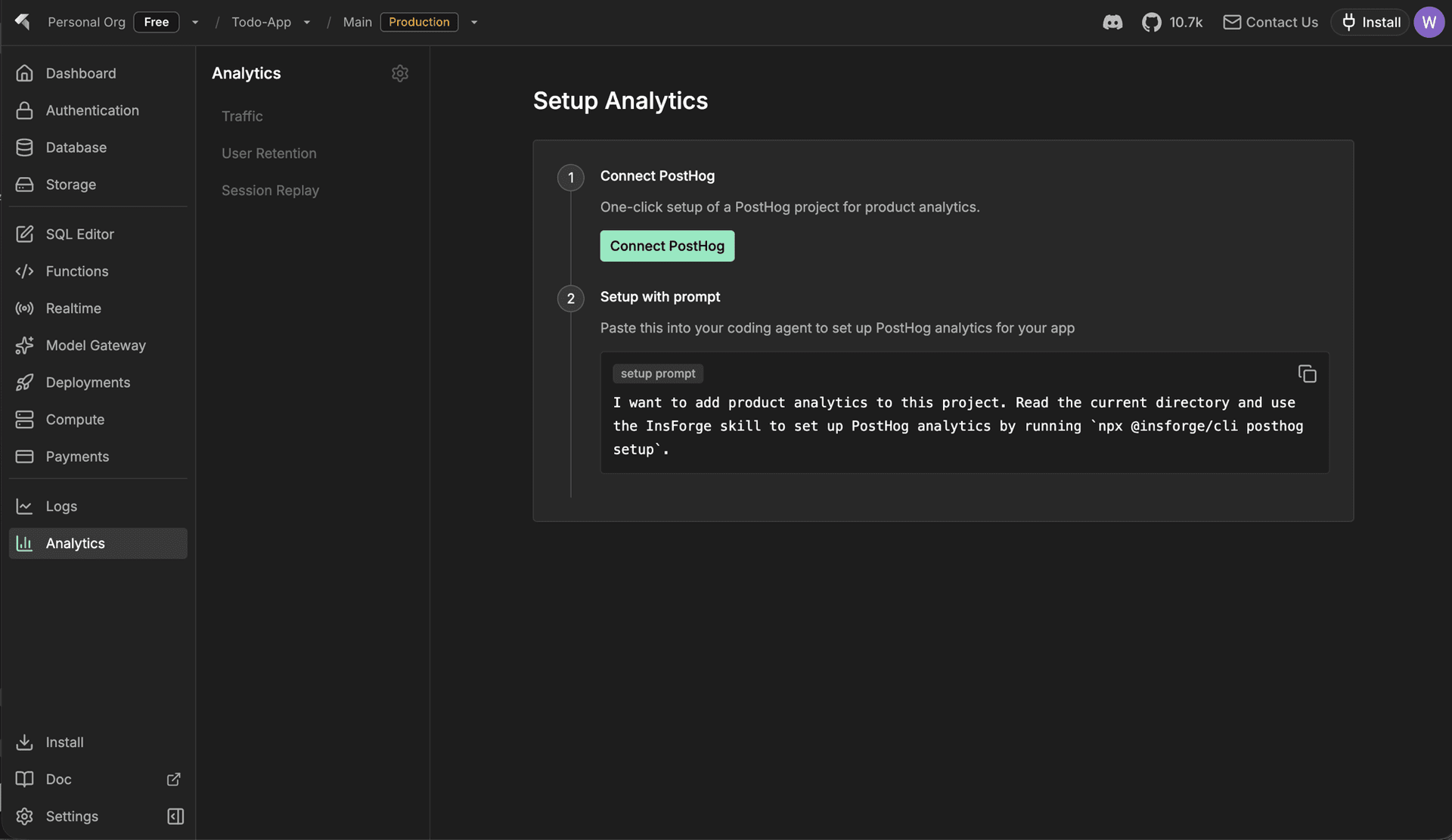
Open Analytics in the InsForge dashboard and click Connect PostHog.
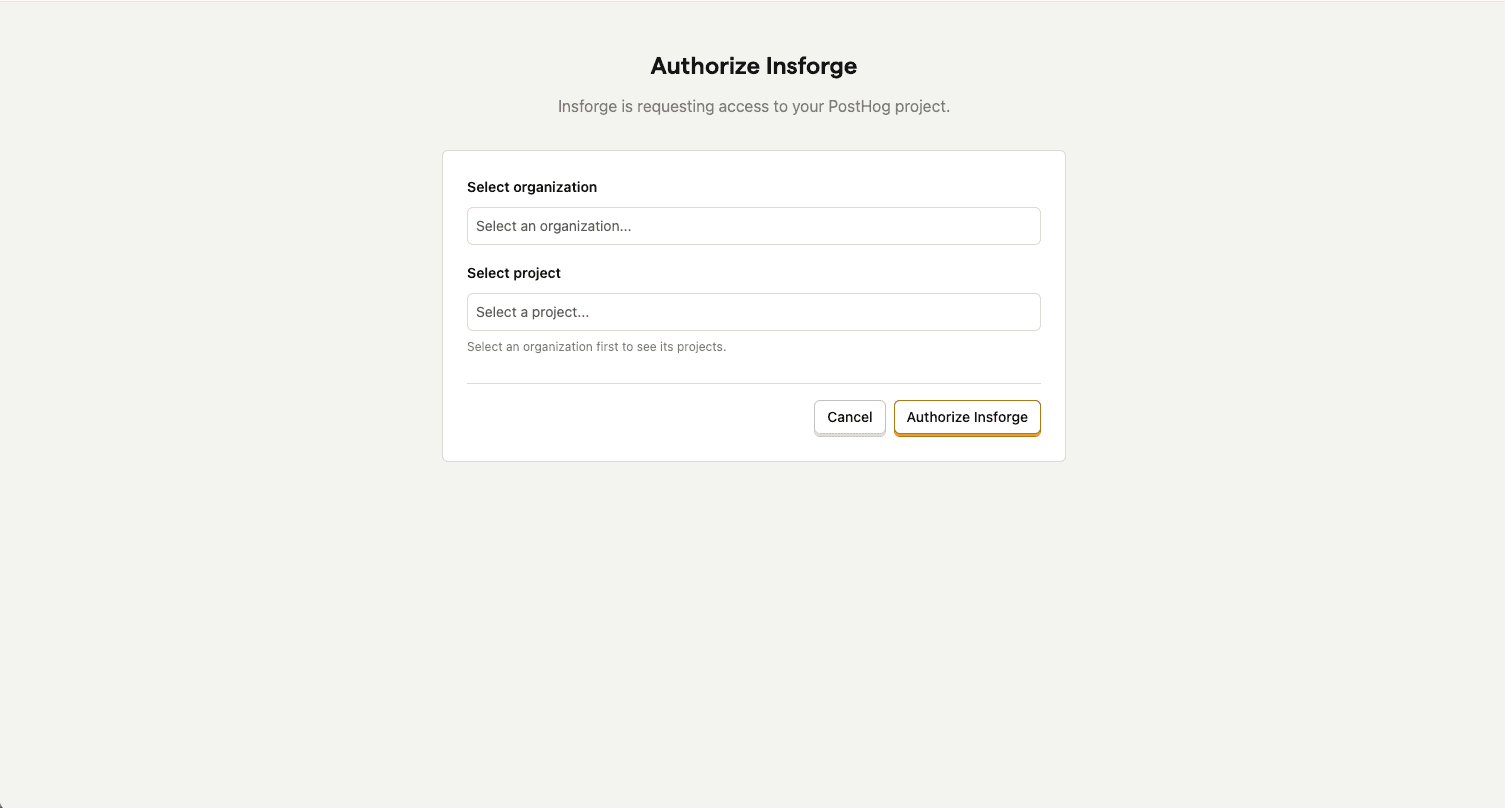
If you already have a PostHog account, you'll see PostHog's authorize screen — pick the organization and project, then approve.
If you don't, InsForge creates a PostHog account for you in the background. Either way, the page reloads with live data in seconds.
What You See After Connecting
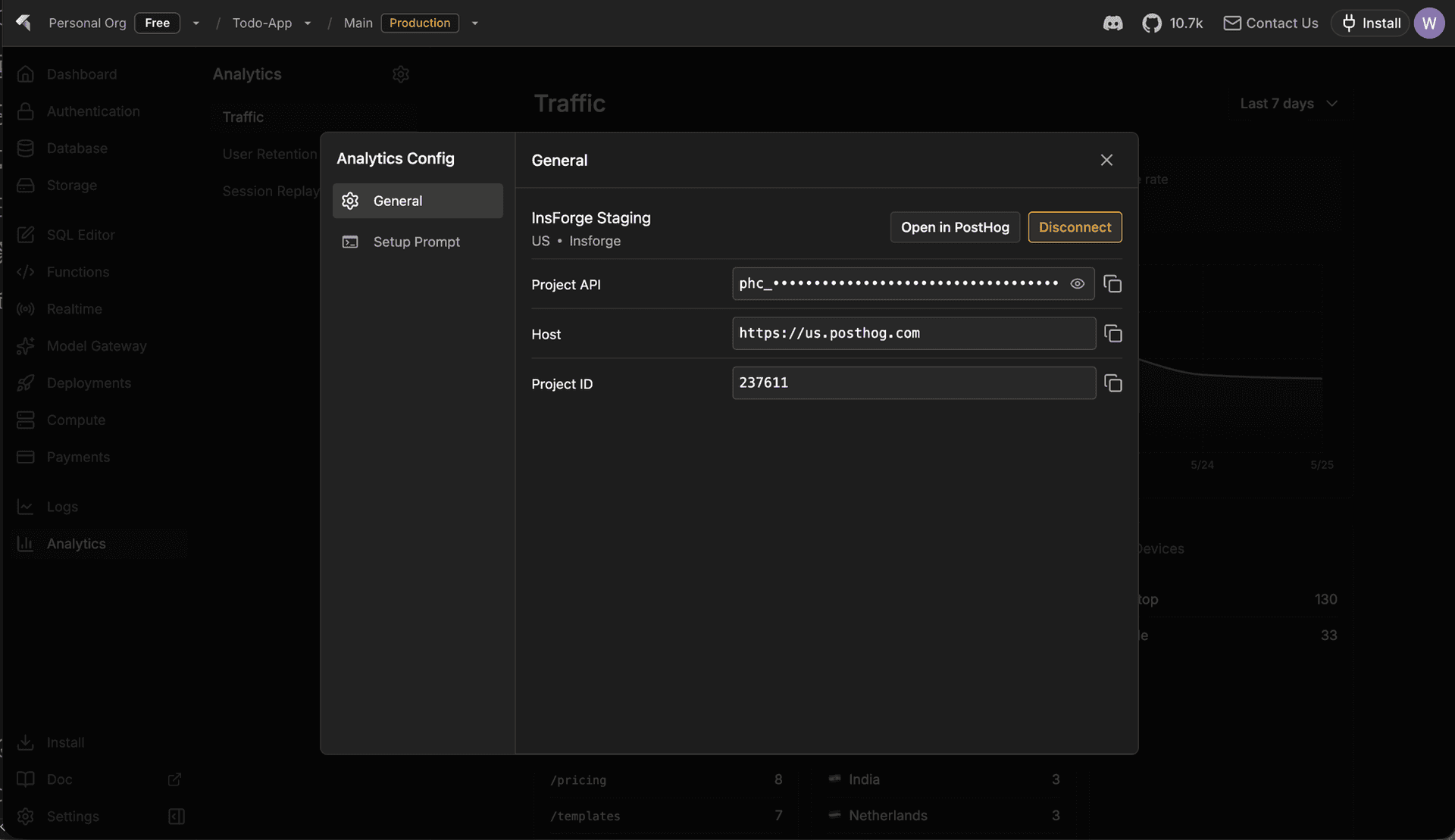
Once the page reloads, the connection lives behind the gear icon next to Analytics — an Analytics Config dialog with the connection status, project API key, host, and project ID, ready to copy for anything the dashboard doesn't cover.
The page itself is built directly on PostHog's /query endpoint. A time-range selector at the top controls every card in one place, and an Open in PostHog button jumps you straight to the source-of-truth view.
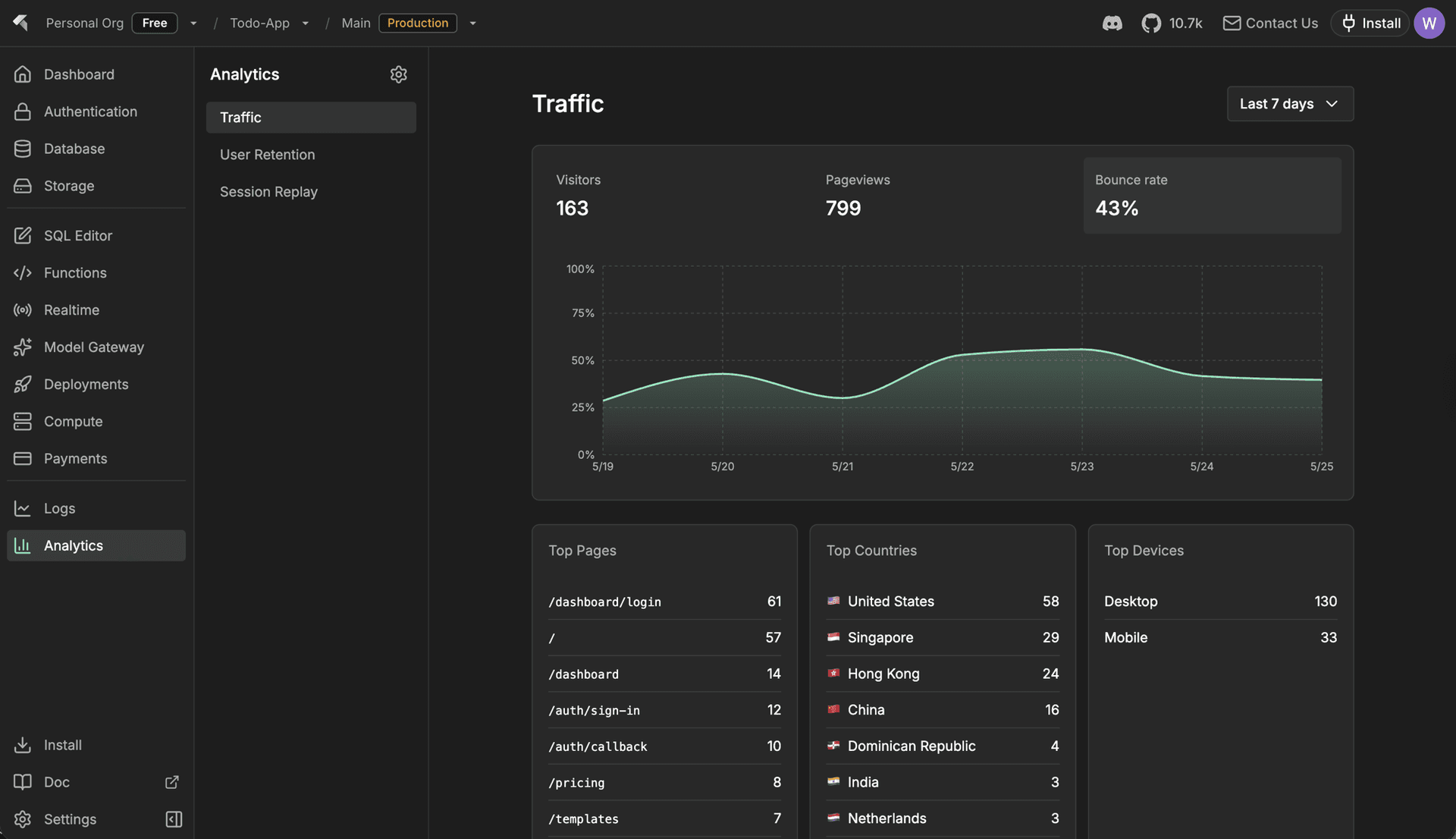
- KPIs with trends — visitors, pageviews, and bounce rate; click any card to swap the trend chart below.
- Breakdowns — top pages, countries, and device types side by side.
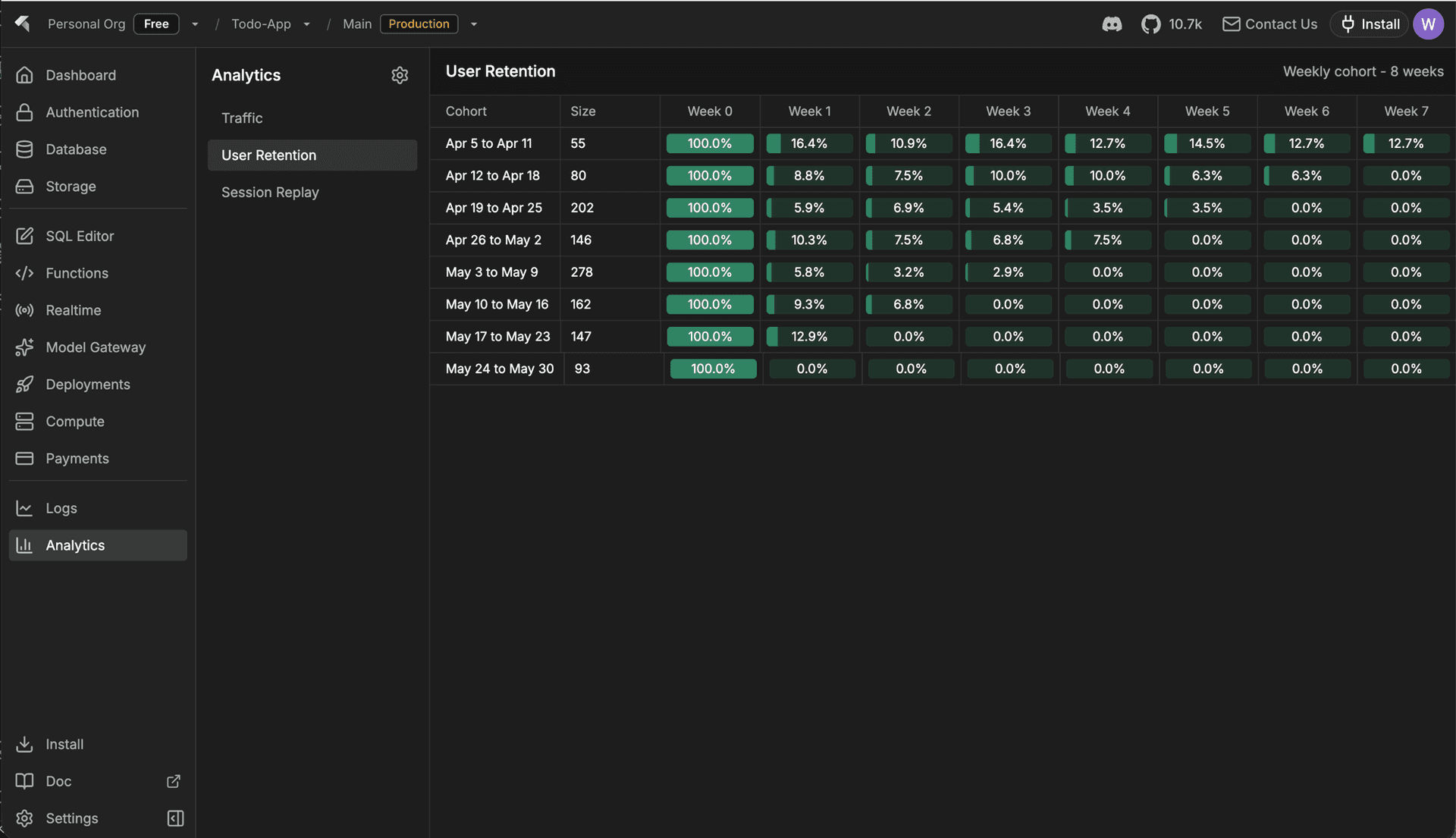
- Retention — weekly retention cohort computed against your
$pageviewevents.
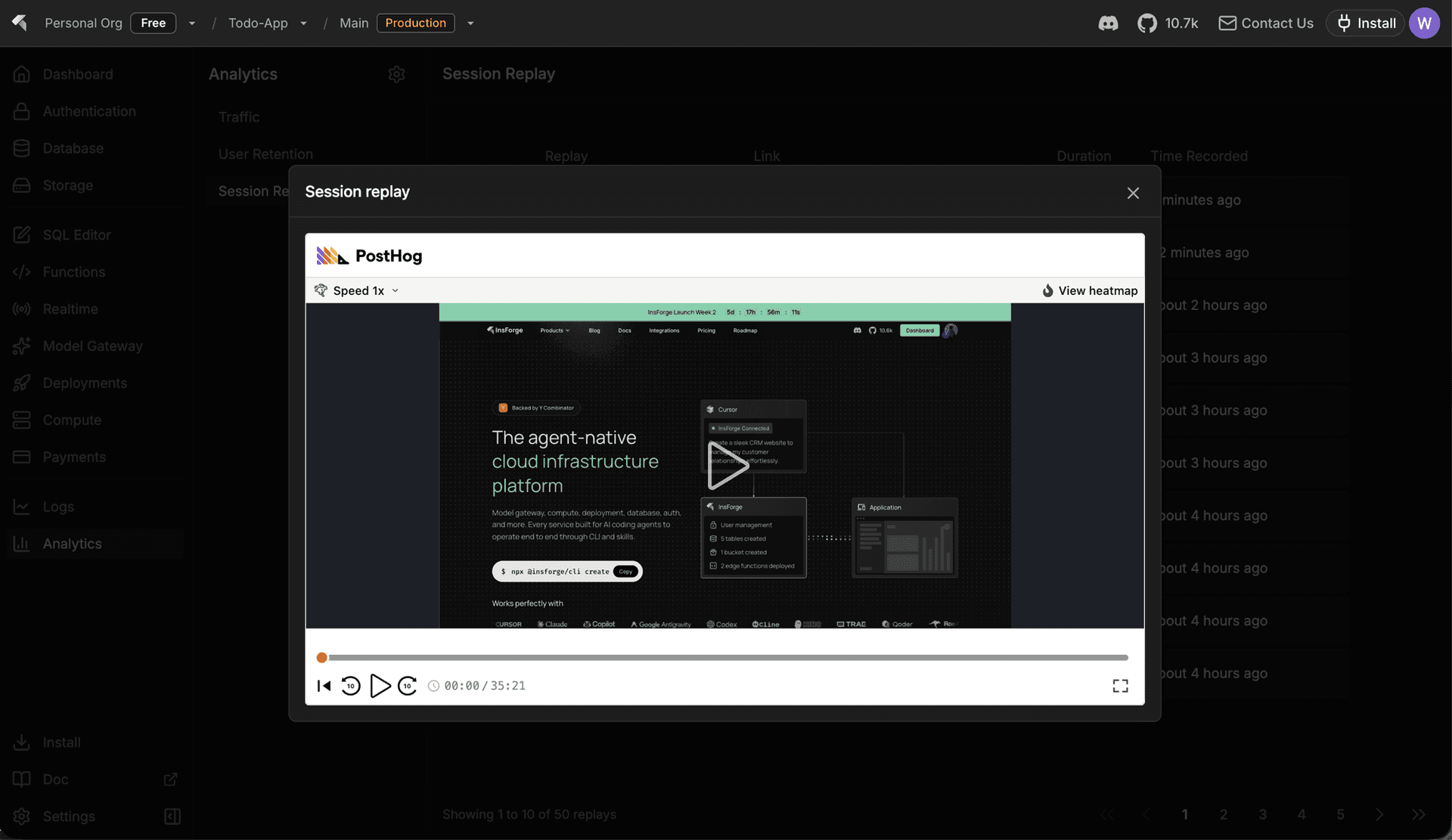
- Recent replays — the latest session recordings, openable in a modal without leaving InsForge.
Setup for Agents
Connecting the dashboard is half the job — your app still needs the PostHog SDK. The same Analytics Config dialog has a Setup Prompt tab with a copyable prompt:
I'm using InsForge as my backend platform. I want to add product analytics to this project. Read the current directory and use the InsForge skill to set up PostHog analytics for me.
Paste it into Claude Code, Cursor, or any agent that runs the InsForge skill. The skill points the agent at the official PostHog wizard, which detects your framework, installs the right SDK, and wires the provider with your project key. For headless or CI setups, npx @insforge/cli posthog setup runs the same flow from the terminal.