
Every InsForge project runs on a dedicated instance. As more developers build production-grade products on InsForge and their workloads continue to scale, the default NANO instance no longer meets everyone's needs. So we're introducing a range of more powerful instance types to help you build bigger and faster.
Beyond NANO, we now offer the following instance types:
| Instance Type | vCPU | RAM | Price |
|---|---|---|---|
| NANO | 2 | 0.5 GB | $0.0067 / hour |
| Micro | 2 | 1 GB | $0.0134 / hour |
| Small | 2 | 2 GB | $0.0268 / hour |
| Medium | 2 | 4 GB | $0.0536 / hour |
| Large | 2 | 8 GB | $0.1072 / hour |
| XL | 4 | 16 GB | $0.2144 / hour |
| 2XL | 8 | 32 GB | $0.4288 / hour |
| 4XL | 16 | 32 GB | $0.8576 / hour |
| 8XL | 32 | 64 GB | $1.7152 / hour |
| 16XL | 64 | 128 GB | $3.4304 / hour |
How to Upgrade
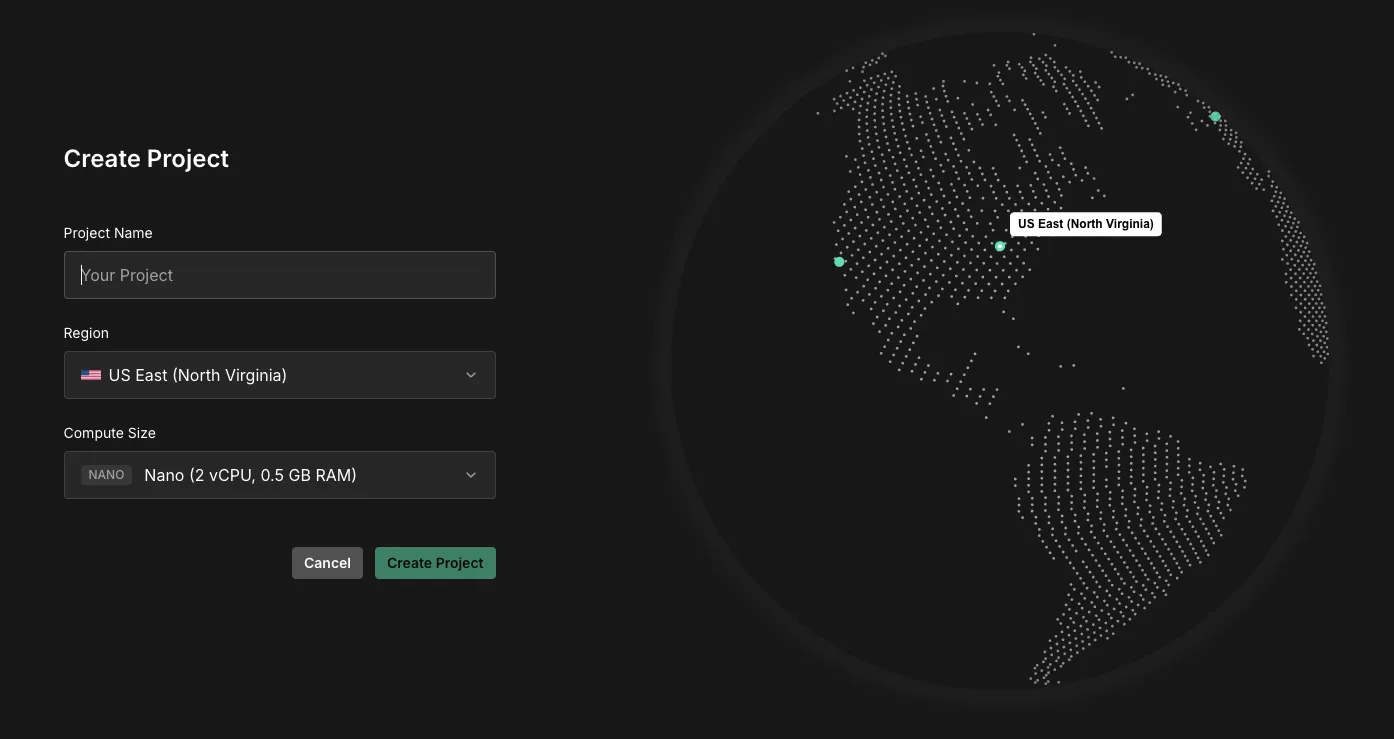
For organizations on a paid plan, you can select your desired instance type when creating a new project — no separate upgrade step needed.
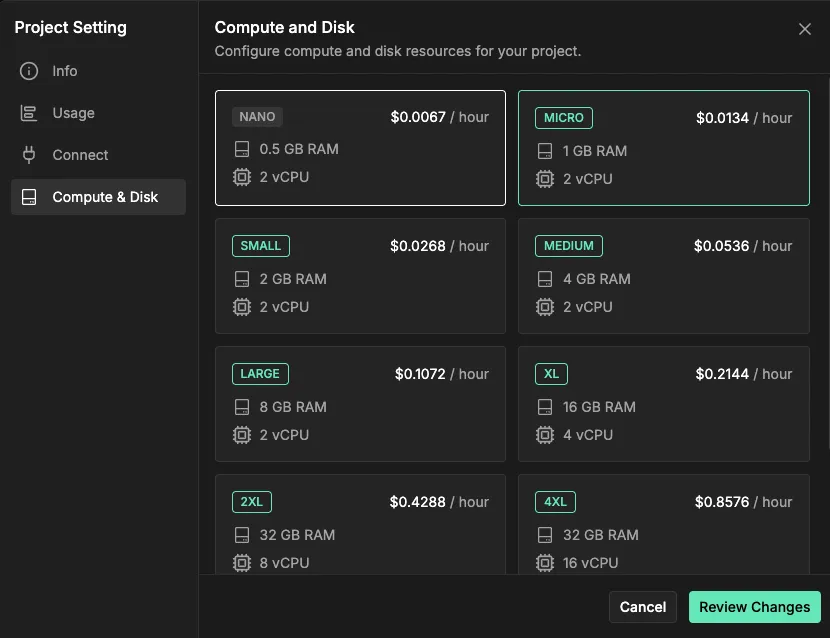
You can also upgrade an existing project at any time from the Settings > Compute & Disk page in your project dashboard.
When Should You Upgrade?
Here are some signs it's time to move to a larger instance:
- Database approaching row limits — queries may start being throttled
- Realtime connection count is high — new subscribers may be dropped
- The backend is running slow — response times are climbing and your app needs more compute power
You can monitor all of these from the Usage tab in your project dashboard.
Billing
Larger instances incur additional costs, but every paid organization receives $10 / month in compute credits that are automatically applied to offset instance usage. Upgrades are prorated — if you upgrade mid-cycle, you only pay the difference for the remaining days. Downgrades take effect at the start of the next billing cycle.
What's Next
We're working on more infrastructure options including disk space customization and auto-scaling. Have feedback or questions? Reach out on our roadmap or at support@insforge.com.