InsForge Auth now supports custom SMTP providers and a built-in email template editor.
Projects can plug in any SMTP server — SES, Resend, Postmark, Mailgun, a self-hosted Postfix — and rewrite the HTML and subject line for every auth email. The default cloud-email path still works out of the box. Custom SMTP is opt-in, per project.
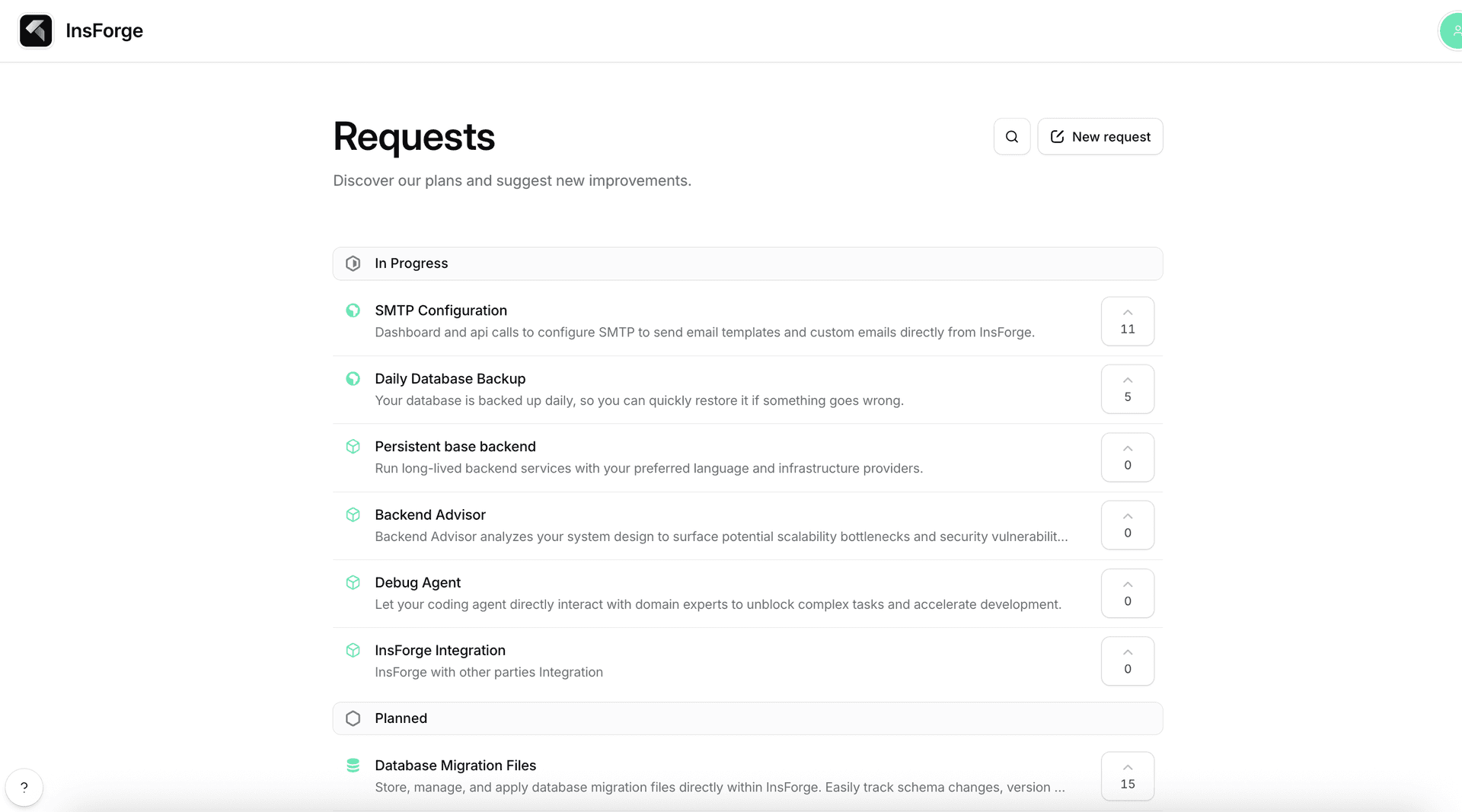
SMTP configuration was the top-voted request on our public roadmap, so this one is shipping because users asked for it.

The Problem
Auth emails are the first thing your users receive from your product, and for a long time they were also the thing InsForge projects had the least control over.
Two things were missing:
- Provider choice. Every project sent verification and reset emails through the shared InsForge cloud mailer. That is fine for getting started, but teams with deliverability requirements, warmed-up sending domains, compliance boundaries, or existing SES or Postmark accounts had no way to route through their own infrastructure.
- Template control. The body and subject of every auth email were hardcoded. You could not match your brand voice, translate the copy, or change what the email looked like without forking the backend.
Custom SMTP and editable templates close both gaps.
What Was Added
The feature ships as a new Custom SMTP page under Authentication in the dashboard.
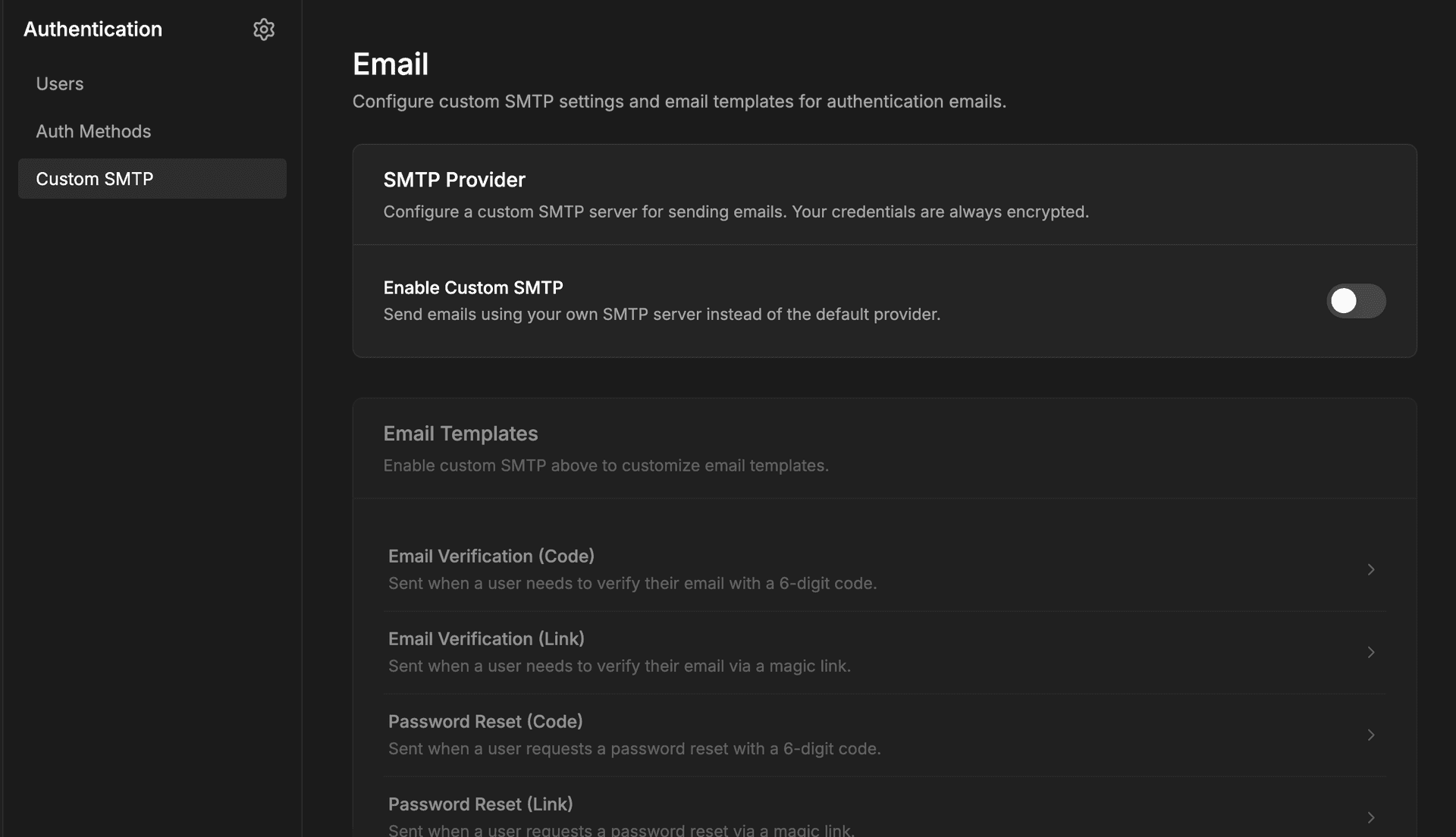
The page has two sections:
- SMTP configuration — enable toggle, sender name, sender email, and the SMTP server fields (host, port, username, password, TLS mode). When you save, InsForge validates the connection against the real server before writing the config.
- Email template editor — select a template (verification code, verification link, password reset code, password reset link), edit the subject line, and edit the HTML body in a Source / Preview editor with a sandboxed iframe preview.
Both cards are available to project admins on cloud and self-hosted deployments.
How It Works
At the storage layer:
- SMTP config lives in a singleton row in
email.smtp_configs. - Templates live in
email.email_templates, one row per template type. - The SMTP password is encrypted at rest with AES-256-GCM using the project key.
At the send layer:
EmailServiceresolves the provider per call. If an enabled, decryptable SMTP config exists, outbound mail goes through the customSmtpEmailProvider(built on nodemailer). Otherwise it falls back to the InsForge cloud provider.- Template rendering substitutes variables like
andwith HTML-escaped values, so user-influenced data cannot break out of the template. - A per-recipient minimum-interval rate limit (default 60 seconds) protects against mail loops and abuse when SMTP is enabled.
There are four new admin-only API endpoints:
GET /api/auth/smtp-config
PUT /api/auth/smtp-config
GET /api/auth/email-templates/:type
PUT /api/auth/email-templates/:type
Every mutation is written to the audit log.
Security Properties
Routing auth mail through a user-supplied server is a sensitive capability, so the implementation is defensive by default:
- Password encryption. SMTP passwords are stored encrypted with AES-256-GCM. They never leave the backend in plaintext and are masked in API responses.
- Live connection verification. When you save a config, InsForge opens a real SMTP connection via
transporter.verify(). Bad credentials or unreachable hosts fail at save time, not at the first send. - SSRF protection. The SMTP host is resolved and checked against private and loopback ranges before a connection is attempted, so a project admin cannot point the mailer at internal infrastructure.
- XSS-safe templates. Template variables are HTML-escaped during render. A crafted display name or reset link cannot inject script into the email body.
- Per-recipient rate limit. A short minimum interval between sends to the same address cuts off mail loops and scripted abuse.
- Admin-only routes. SMTP config and template endpoints require the project admin role and are covered by audit logging.
Using It
1. Configure SMTP
Open Authentication → Custom SMTP in the dashboard, enable the SMTP toggle, and fill in:
- Sender name and sender email
- Host and port (for example,
email-smtp.us-east-1.amazonaws.comand587) - Username and password
- TLS mode
Hit save. The dashboard will either confirm the connection or surface the exact SMTP error so you can fix credentials, ports, or DNS before going live.
2. Edit Templates
On the same page, open the template editor, pick one of the four auth templates, and edit the subject and HTML body. The editor has a Source tab for raw HTML and a Preview tab that renders the template in a sandboxed iframe with sample variables.
Available variables per template:
- Verification code and password reset code templates: ``
- Verification link and password reset link templates: ``
Default templates are seeded automatically, so if you do not touch anything, existing behavior is preserved.
3. Send Normally
Nothing changes in your application code. The SDK calls that already trigger verification and reset emails continue to work:
await insforge.auth.signUpWithEmail({
email: 'user@example.com',
password: '...',
});
await insforge.auth.resetPasswordForEmail('user@example.com');
Under the hood, EmailService picks the custom SMTP provider when enabled and the cloud provider when not.
What Fits This Model Best
Custom SMTP in InsForge is aimed at teams that already have email infrastructure or strong opinions about deliverability.
Strong fits:
- You already run SES, Resend, Postmark, Mailgun, or similar and want auth mail to reuse that sending reputation.
- You need auth emails to come from a specific domain or sender that matches the rest of your product mail.
- You have compliance or data-residency requirements that rule out shared cloud mailers.
- You want localized or heavily branded auth emails and need real template control.
Weaker fits:
- You are just prototyping — the default cloud provider is faster to start with.
- Your SMTP host is inside a private network that the InsForge backend cannot reach (by design, private addresses are blocked).
Why This Matters
Auth email is a place where operational control and branding meet. Custom SMTP lets teams take over the delivery side without giving up the rest of the auth system — the session model, the SDK surface, and the dashboard configuration stay the same. Editable templates do the same thing for the content side: your words, your HTML, InsForge's delivery and security.
The end result is that the InsForge defaults stay friendly for early projects, and the ceiling is a lot higher for teams that need to own their email stack.
Next Step
If you are already using InsForge Auth, open Authentication → Custom SMTP and point it at a test SMTP endpoint to see the save-time verification and the template editor in action.
For implementation details: