
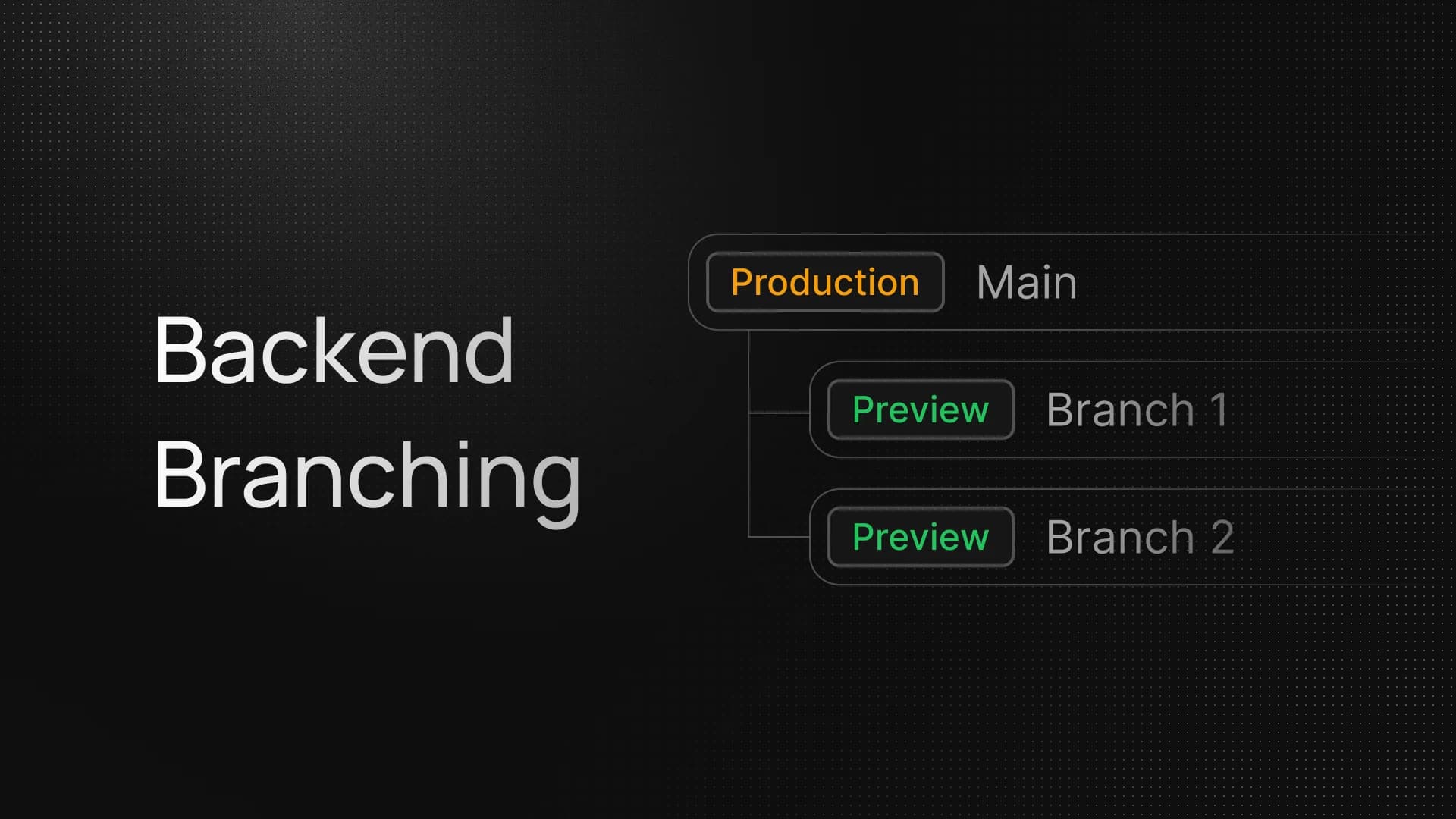
InsForge now supports Backend Branching.
A branch is an isolated copy of your project — its own EC2, its own Postgres, its own auth / storage / functions / realtime / schedules state. You can mutate anything on it without ever touching the parent. When you're happy, merge the changes back. When you're not, reset it to the moment it was created and start again.
Branching is rolling out for projects on InsForge OSS 2.1.0+, available from the dashboard and the InsForge CLI.
Why a Branch Instead of a Test Project
A second project gives you isolation, but everything else is your problem: re-seeding data, re-uploading edge functions, re-applying auth config, then deciding which edits to copy back to production. A branch starts at parity with the parent, tracks every change as a structured diff, and gives you a single command to merge.
Concretely, a branch captures writes against:
- Database schema — DDL, RLS policies, triggers, functions, indexes, sequences, enum types, extensions
- Auth config and OAuth providers
- Storage buckets and bucket config
- Edge functions source
- Email config and templates
- Realtime config and channels
- Schedules (cron jobs)
Row-level inserts in your application tables are isolated like everything else. Website / Vercel deployments and Fly.io compute are out of branching scope — you redeploy those against the branch's appkey when you need them.
Full vs. Schema-Only
When you create a branch you choose how much state comes along:
full— copies parent's complete database (schema + data) at T0. Best when you need realistic data to test against.schema-only— copies the schema and the platform's mergeable config tables (auth providers, storage buckets, edge function definitions, …) but leaves user-data tables empty. Faster, lighter, and avoids bringing production rows into a sandbox.
Both modes restore the parent's T0 state on the branch's own EC2, so the work happens once at create time — afterwards the branch runs on dedicated infrastructure with no live coupling to the parent.
The CLI Flow
# Inside your project directory (linked via `insforge link`)

# 1. Create a branch from the linked project (auto-switch to the new branch).
$ insforge branch create feat-billing --mode full

# 2. List branches
$ insforge branch list
┌───┬──────────────┬────────┬──────┬──────────────────────┐
│   │ Name         │ State  │ Mode │ Created              │
├───┼──────────────┼────────┼──────┼──────────────────────┤
│   │ feat-billing │ ready  │ full │ 5/4/2026, 11:02 AM   │
└───┴──────────────┴────────┴──────┴──────────────────────┘

# 3. ... edit migrations, auth config, edge functions, whatever ...

# 4. Preview the merge as SQL — nothing applied yet
$ insforge branch merge feat-billing --dry-run --save-sql ./preview.sql

# 5. Apply when satisfied
$ insforge branch merge feat-billing

# 6. Delete the feat branch
$ insforge branch delete feat-billing
Need to throw away the work and start clean? insforge branch reset feat-billing rolls the branch's database back to T0 — the snapshot taken when the branch was created. After reset the branch is ready again, ready for a fresh attempt.
When you're truly done, insforge branch delete feat-billing tears down the EC2 and removes the branch row. Merging does not auto-delete the branch — that's your call.
Merge: Diff First, Conflicts Surfaced
branch merge doesn't just replay your branch's writes against the parent. It computes a diff between three states — the parent at T0, the parent now, and the branch now — and renders the merge as one migration-style SQL preview, organized into [DDL] / [DATA] / [MIGRATION] sections.
If parent and branch both edited the same object since T0, the merge is blocked with a conflict report instead of silently overwriting. You'll see exactly which table / policy / function / config row diverged and why, and the SQL preview leads with a -- ⚠️ MERGE BLOCKED banner. Resolve on the branch (or roll the branch back with reset) and try again.
Mergeable platform config (auth providers, storage buckets, email templates, edge function definitions, schedules, etc.) is upserted by stable key. User-data row inserts on the branch are not auto-merged — branches are for schema and configuration changes, not data backfills. Use a one-off migration for that.
Reset
A common pattern with a long-lived branch is to test a destructive migration, see it fail, and want a clean slate. branch reset does exactly that: it drops every user-schema object on the branch, restores the parent's T0 dump in place, and lands the branch back at ready.
Reset works from ready and from merged (in case you want to keep iterating after a successful merge). It runs against the branch's existing EC2 — no instance churn — so you can iterate quickly.
Get Started
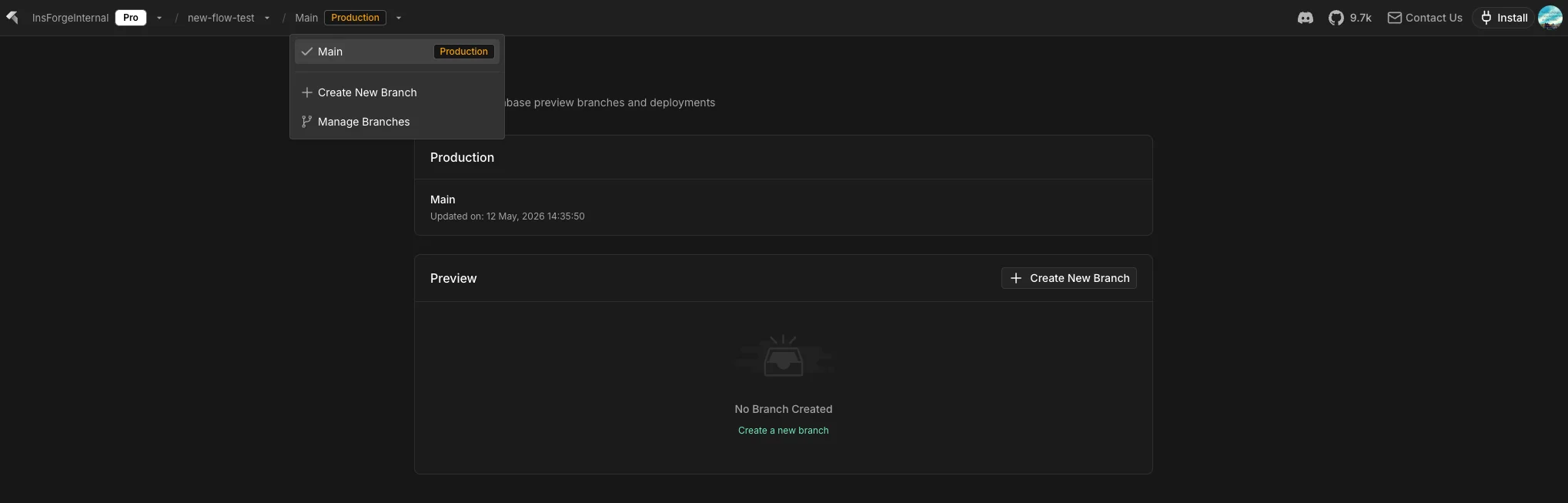
You can also manage branch manually from the dashboard:
If there's a branching workflow we haven't covered — auto-branches per PR, branch-from-backup, branch sharing across teammates — drop it on the roadmap.